

You open your laptop to work. Thirty seconds later, you’re on your phone. Then a tab. Then a thought about something else you forgot. Twenty minutes is gone.
It’s 2026, and the distractions got smarter; you can get smarter too. If you want to know how to stay focused in a distracted world, start here: focus is a skill, not a fixed trait. Your brain can get better at it through repetition. That matters because interruptions are costly. One interruption can take about 23 minutes and 15 seconds to recover from, and many workers never get 30 minutes of uninterrupted focus at all. The good news is that small, repeated changes can improve concentration, productivity, and mental energy.
This article gives you a simple system you can use daily.
1. Pin Down Your Focus Target in 5 Minutes
Most people sit down to “work” without a clear target. That makes drifting more likely.
Before each session, do this:
- Choose one outcome for the next 60 to 90 minutes.
- Write 3 next actions that are small and specific.
- Set a done line so you know when the task is finished.
Example
- Write report → “Draft intro, add 3 sources, send to manager”
- Study session → “Finish 20 flashcards and 5 practice questions”
One outcome. Three steps. One finish line.
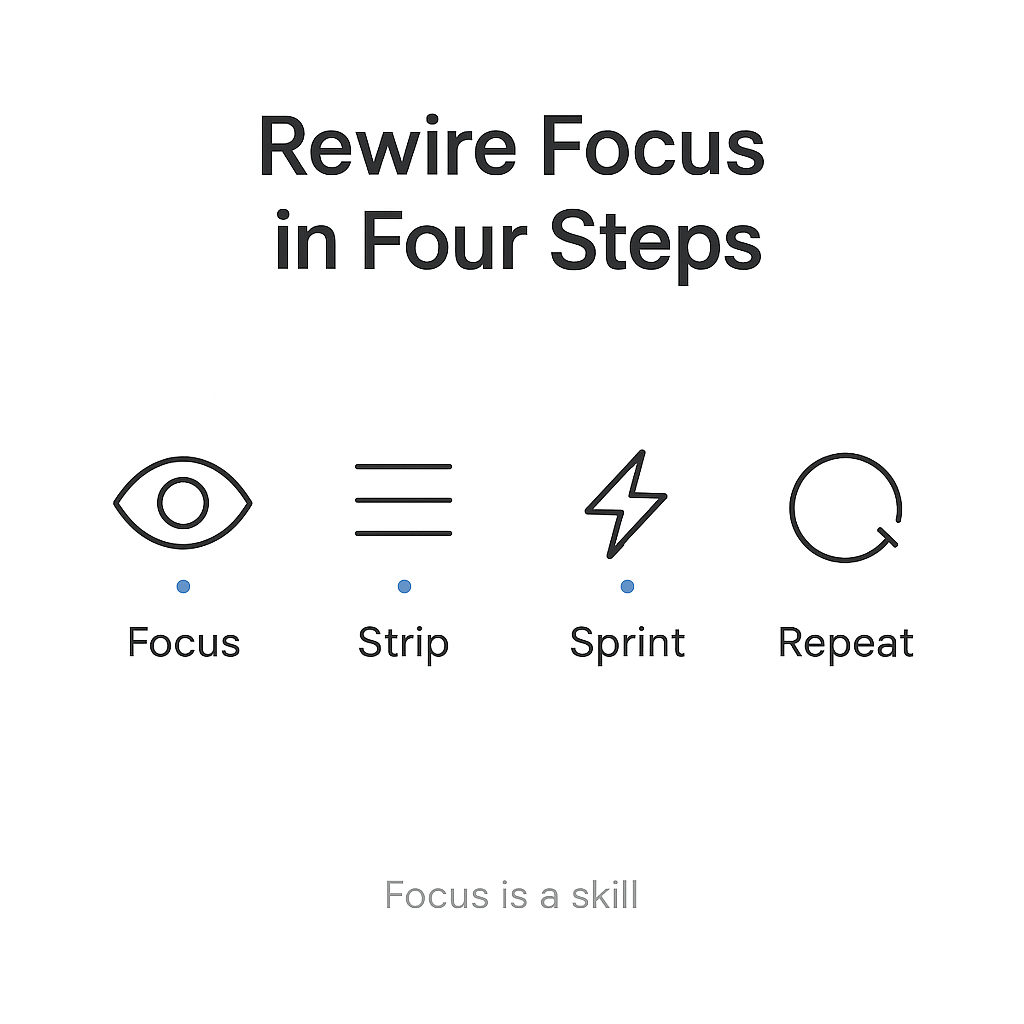
2. Strip Distractions Before You Start
If your phone is next to you, your focus is already under pressure.
Do this before you begin:
- Put your phone in another room.
- Turn on Do Not Disturb.
- Close tabs and apps you do not need.
- Turn on a blocker app for your work period.
This is not about willpower. It is about making distraction harder.
Best blocker app setup
Use one tool well instead of three tools badly. As of 2026, these choices still work reliably.
| App | Best use | Key setup steps |
|---|---|---|
| Freedom | Blocking across phone, laptop, and desktop | Create a blocklist, sync all devices, schedule recurring focus sessions, use Locked Mode if available |
| Cold Turkey | Strong desktop blocking | Install on your computer, add sites and apps to a blocklist, set scheduled sessions, test browser extensions, use Frozen Mode for stronger blocks |
| Forest | Short focus sprints on mobile | Set a timer, block the phone during the session, keep it for sprint use, track your focus streaks |
How to set up a blocker app well
- Start with your biggest distractions. Block social media, news, shopping, and video sites first.
- Set a daily schedule. Match the block to your work hours, such as 9:00–12:00 and 2:00–4:00.
- Use strict mode if the app has it. Locked or Frozen modes help stop easy bypassing.
- Test it. Try opening blocked sites on your usual browsers and devices. Fix any holes.
- Keep it simple. Add only the blocks you need. Too many rules can make you stop using it.
For desktop blockers, test browser extensions in all browsers, including private or incognito mode, if the app supports it.
3. Use the 25/5 Sprint to Build Momentum
A short sprint makes it easier to start.
- Set a 25-minute timer.
- Work on one task only.
- Take a 5-minute break.
- After 4 rounds, take a longer break of 15 to 30 minutes.
If 25 minutes feels too long, start with 15 or 20. The point is consistency. A small tip: name your timer “Future Me Thanks You.” It’s cheesy, but it helps you press start.
Better 5-minute break options
If screens pull you back in, do breaks that give your brain a real reset.
Good options for the 5-minute break:
- Fill a water bottle and drink it slowly
- Stand outside or near a window and breathe
- Do shoulder rolls, neck rolls, or a short stretch
- Walk to another room and back
- Wash a mug or tidy one small surface
- Do a few slow squats or calf raises
- Sit quietly and close your eyes for 2 minutes
- Put on a timer and do nothing on purpose
These work because they lower input, which helps your attention reset. A reader told me their best break was watering a stubborn plant named Kevin. Kevin seems to thrive on deadlines.
| Break type | Best for | Avoid |
|---|---|---|
| Stretching | Physical reset, low effort | Turning it into a workout |
| Water break | Quick reset | Checking messages while drinking |
| Window break | Mental pause | Opening social apps |
| Short walk | Clearing mental noise | Taking your phone with you |
| Quiet sitting | Slowing a busy mind | Planning the next task on your phone |
For people who struggle with screens, make the rule: no phone during the break.
4. Park Distracting Thoughts Without Fighting Them
Your brain will throw thoughts at you while you work. That is normal. The goal is not to stop every thought. The goal is to stop following it.
Use this loop:
- Notice the thought.
- Label it.
- Return to the task.
Step-by-step: notice → label → return
When a thought pops up, pause for 1 second.
- If you think, “I need to reply to that message,” say: “Planning.”
- If you think, “What if this goes badly?” say: “Worrying.”
- If you think, “I should check that now,” say: “Urge.”
- If you hear a sound, say: “Hearing.”
- If you feel tension, say: “Feeling.”
Then ask:
- What is my next tiny action?
- What am I doing right now?
- Can this wait 30 minutes?
Return to the next action immediately.
Simple inner scripts you can use
- “Not now. Back to the task.”
- “That can go on the list.”
- “I will handle that after this sprint.”
- “Thinking, not doing.”
This is a mindfulness skill. It gets easier with practice.
5. Make Starting Automatic With a Small Cue Routine
Starting is often harder than doing the work.
Use a short routine tied to one cue:
- Pick a cue, such as after coffee, after lunch, or after a walk.
- Do the same 2-minute setup every time.
- Start the timer right away.
Example routine
- Clear desk
- Open one file
- Put phone away
- Start 25-minute timer
Keep the first step tiny. You want your brain to learn that the cue means “start.” Even if motivation is groggy, press start and let action wake it up.
6. Protect Focus With Time Blocking
If your day is open, distractions will fill it.
Use time blocks to give focus a place to live.
- Block one focus session each day.
- Batch email and admin into short windows.
- Put hard tasks in your best energy hours.
- Leave 10 to 15 minutes between blocks.
Example schedule
| Time | Task |
|---|---|
| 8:30–9:30 | Deep work |
| 9:30–9:45 | Break |
| 9:45–11:00 | Meetings |
| 11:00–11:30 | Email/admin |
| 1:00–2:00 | Focus sprint |
| 2:00–2:15 | Break |
Keep your focus block protected. If needed, tell others when you reply to messages. Your calendar can be a polite bouncer.
7. Train Your Brain Daily: Sleep, Movement, Mindfulness
Focus is easier when your brain is rested and supported.
Sleep: keep the wake time steady
A stable sleep-wake time helps concentration and brain health.
Do this:
- Pick one wake time and keep it steady.
- Use a 30 to 60 minute wind-down.
- Keep caffeine earlier in the day.
- Reduce screens before bed if you can.
Exercise: support attention and energy
Movement helps attention, learning, and mental energy.
A simple target:
- 30 minutes most days
- 150 minutes a week
- 2 short strength sessions a week
A brisk walk counts.
Mindfulness: train attention directly
Daily mindfulness can improve attentional control.
Use this structure:
- Sit in a quiet place for 10 minutes.
- Focus on breath, sound, or body sensation.
- When your mind wanders, use notice → label → return.
- Keep going without judging yourself.
8. Add No-Input Breaks to Build Boredom Tolerance
If every spare minute goes to a screen, focus gets harder.
A no-input break means low stimulation and no scrolling.
Good no-input break ideas
- Sit and look out a window
- Wash dishes without audio
- Shower without your phone
- Drive alone with no podcast
- Fold laundry or tidy a room
- Sit outside and notice sounds
- Draw simple shapes or doodle
- Lie down and do nothing for 10 minutes
Start with 10 to 15 minutes a day. Increase slowly if needed.
These breaks help your brain get used to stillness again. That can make it easier to stay focused later.
9. Use the 14-Day Rewire Plan
Keep it simple and repeat the same basics.
| Period | Main goal | What to track |
|---|---|---|
| Days 1–3 | Setup | Blocker ready, cue chosen |
| Days 4–7 | Consistency | 1 sprint per day |
| Days 8–14 | Build | More focus time, fewer distractions |
Days 1–3
- Pick one focus time
- Install and set up one blocker app
- Create a distraction list
- Pick your start cue
Days 4–7
- Do one 25/5 sprint per day
- Use the same start routine
- Keep breaks screen-free
- Track your focus minutes
Days 8–14
- Add a second sprint on good days
- Add 10 minutes of mindfulness
- Keep your wake time steady
- Add 2 to 3 exercise sessions if needed
10. What Progress Looks Like
Use measurable signs, not vague feelings.
| Metric | Starting point | Better target |
|---|---|---|
| Protected focus time | 0 to 2 hours/week | 4+ hours/week |
| Refocus time after interruption | About 23 minutes | Less time than your baseline |
| Uninterrupted focus window | Under 30 minutes | 30+ minutes more often |
| Time to enter flow | Hard to reach | 15–20 minutes of steady work |
| Screen attention span | About 47 seconds | Longer than your current baseline |
| Wake time consistency | Varies a lot | Same wake time 5 to 6 days a week |
| Exercise time | Low or uneven | 150 min/week or close to it |
You do not need perfect numbers. You need movement in the right direction.
Also watch for real-world signs:
- fewer phone checks
- less task switching
- faster starts
- fewer lost work sessions
- more completed tasks without distraction
11. Quick Troubleshooting
- I keep checking my phone → Put it in another room and use a blocker.
- I can’t start → Do a 10-minute sprint only.
- My mind keeps wandering → Use “thinking,” “worrying,” or “planning,” then return.
- My breaks turn into scrolling → Use no-input breaks and leave the phone out of reach.
- I get tired fast → Protect sleep, move more, and shorten the sprint.
12. One-Page Checklist
- Pick one outcome for the session.
- Write 3 next actions.
- Put your phone away.
- Turn on Do Not Disturb.
- Run a blocker app.
- Do a 25/5 sprint.
- Use screen-free breaks.
- Practice notice → label → return.
- Keep a steady wake time.
- Move most days.
- Track focus minutes and distractions.
- Repeat for 14 days.
FAQs
How to focus in a world of distractions?
Start with your setup. Put your phone away, block the main sites, and work in short sprints. Clear goals and a fixed start routine help too. Focus improves through repetition.
What is the root cause of distraction?
Usually a mix of unclear goals, easy access to screens, and low tolerance for boredom. Fix the environment first, then the task, then the habit.
How to stay productive in a distracted world?
Build systems instead of relying on motivation. Use a blocker, a calendar block, a sprint timer, and a clear done line. Keep repeating the process until it feels normal.
Is it ADHD if I get distracted easily?
Not always. Lots of people get distracted because the environment is noisy and attention is split. If it affects many parts of your life, talk to a clinician.